F5 Programmability Training > Automation Mini Classes > Mini Class 2 - Getting Started with F5 Terraform > Module - Creating Terraform TF File Source | Edit on
Test Server Access using HTTP Client
Please follow the instructions provided by the instructor to start your lab and access your jump host.
Open the browser on the JumpBox
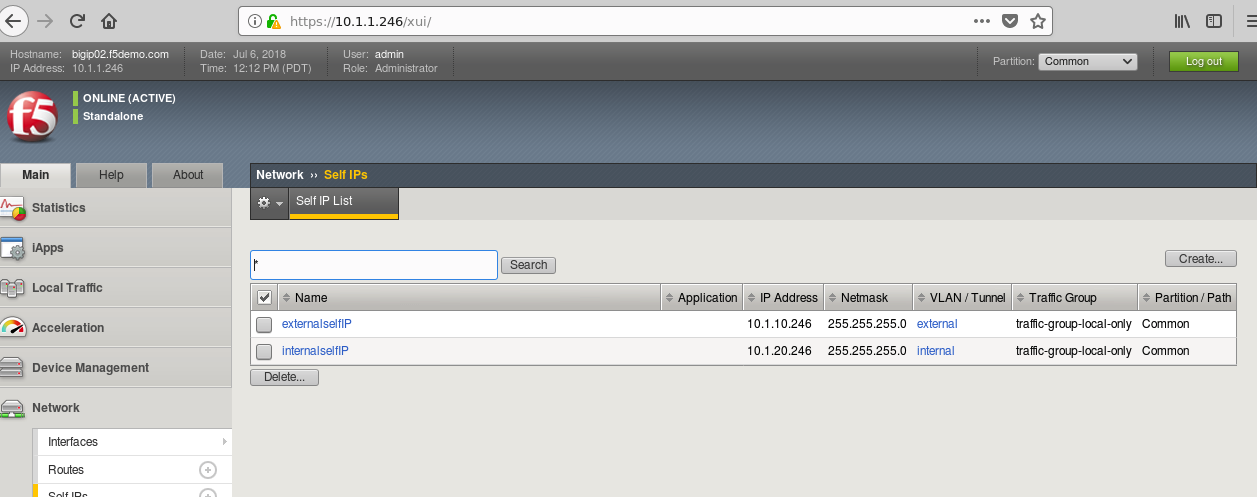
Click on https://10.1.1.246 check Vlans, selfIP are configured.
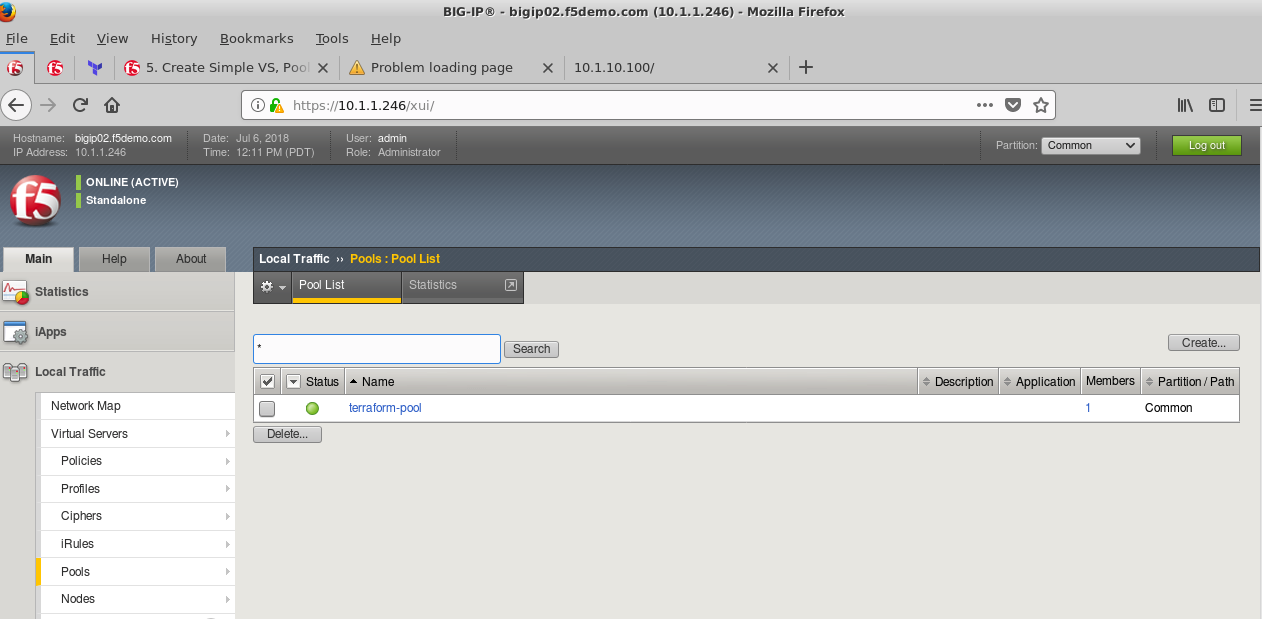
Click on https://10.1.1.246 Pool & members configured.
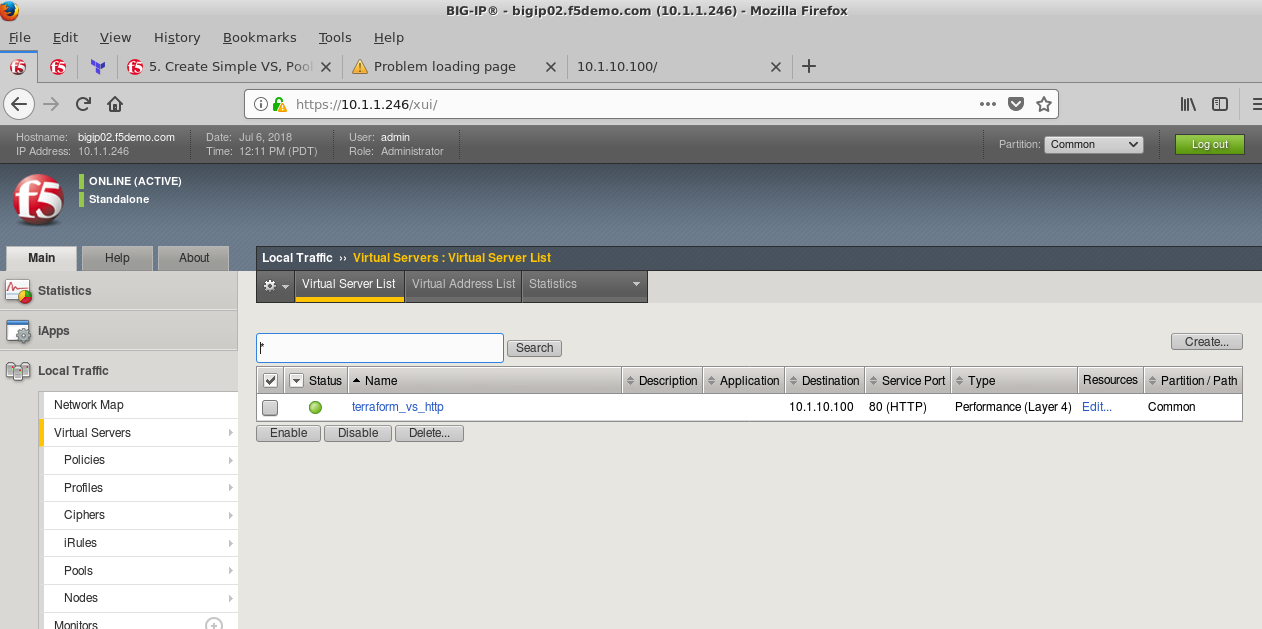
Click on https://10.1.1.246 Virtual Server, monitoring are configured.
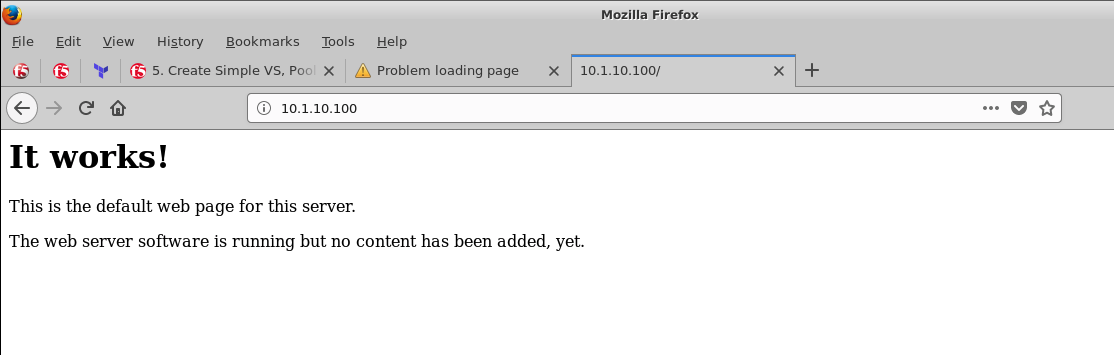
Execute http://10.1.10.100 this is the Virtual Server you configured on big-ip
You should get response as shown
Note
All work for this lab will be performed exclusively from the Windows jumphost. No installation or interaction with your local system is required.