F5 Programmability Training > Class 1: Introduction to Automation & Orchestration > Module 1: Imperative Automation with the BIG-IP iControl REST API Source | Edit on
Lab 1.6: Build a BIG-IP Cluster using a Collection
In this lab, we will build an active-standby cluster between BIG-IP A and
BIG-IP B using the REST API. As mentioned previously, to save time, BIG-IP B is
already licensed and has its device-level settings configured. This lab will
use the Postman Runner functionality introduced in the previous lab.
We will run the requests in a Collection Folder to build the cluster.
If you examine the Lab 1.6 - Build a Cluster folder in the Collection you
can see how complex Imperative processes can become.
Clustering is one of the transition points for most customers to move into the
Declarative model (if not already done) due to the need to abstract
device/vendor level specifics from automation consumers.
The high-level procedure required to create the cluster is:
- Obtain Authentication Tokens for BIG-IP A & B
- Check that both devices are licensed and ready to configure
- Configure Device Level settings on both devices
- Configure Networking on BIG-IP B (remember this was already done in Lab 1.4 for BIG-IP A)
- Set BIG-IP A & BIG-IP B CMI Parameters (Config Sync IP, Failover IPs, Mirroring IP)
- Add BIG-IP B as a trusted peer on BIG-IP A
- Check the status of the Sync Groups
- Create a sync-failover Device Group
- Check the status of the created Device Group
- Perform initial sync of the Device Group
- Check status (again)
- Change the Traffic Group to use HA Order failover
- Create Floating Self IPs
- Failover the Traffic Group to make BIG-IP A the Active device
Task 1 - Build a Cluster using Runner
In this task we will use the Runner to execute a series of
requests contained in the Lab 1.6 - Build a Cluster folder. As mentioned
previously this folder contains a large number of REST requests required to
build an Active/Standby cluster. Additionally, we will make use of a JavaScript
framework called f5-postman-workflows that extends the Postman client to
include common test and polling functions.
Perform the following steps to build the cluster:
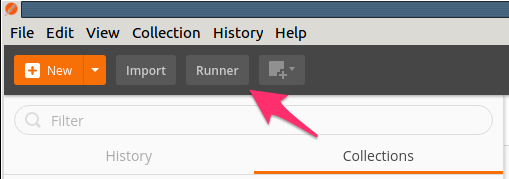
Click the Runner button at the top left of your Postman window:
Select the
F5 Programmability: Class 1Collection then theLab 1.6 - Build a Clusterfolder. Next, be sure the environment is set toF5 Programmability: Class 1andPersist Variablesis selected: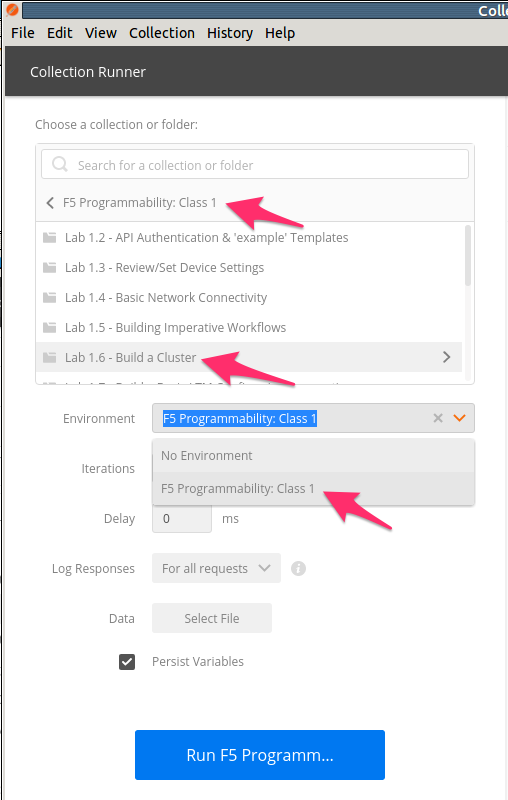
Your Runner window should look like:
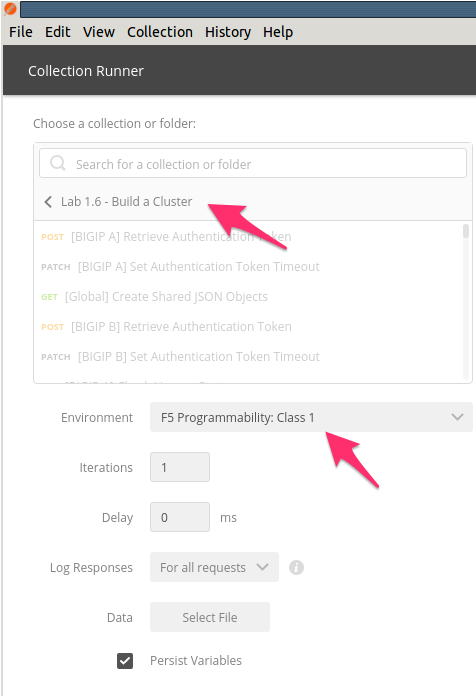
Click the Run Lab 1.6 - Buil… button
The results window will now populate. You will see each request in the folder is sent and its associated test results are displayed on the screen. Building the cluster can take a few minutes. You can follow the progress by scrolling down the results window.
Once the Run Summary button appears, the folder has completed running. You should have 0 failures and the last item in the request list should be named
Cleanup Environment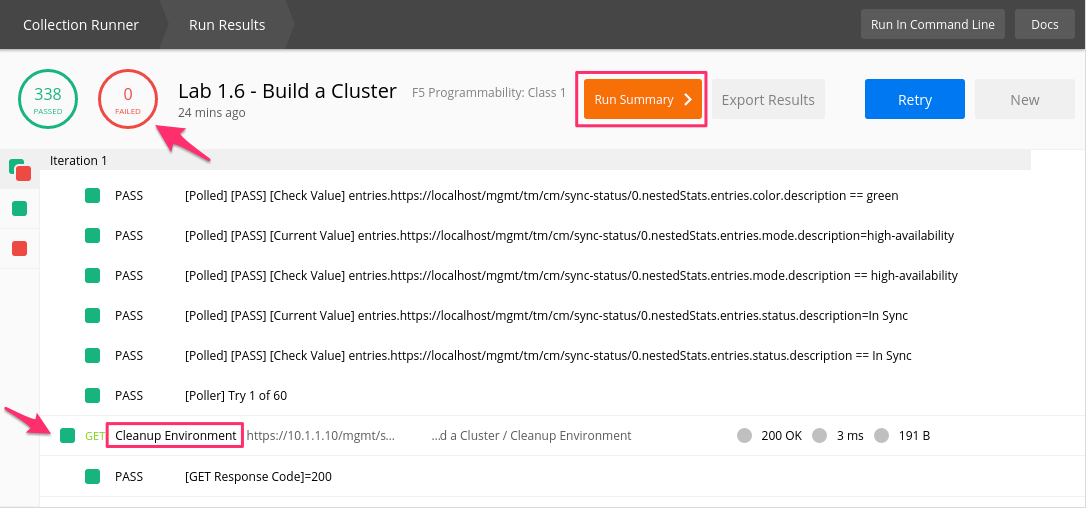
Note
If you are have an issue with your authentication token issue please return to
Lab 1.3, Step 8 in Postman to set your admin password to admin.
Source: https://youtu.be/je1fCb1qBZE
Task 2 - Verify the Built Cluster in BIG-IP GUI
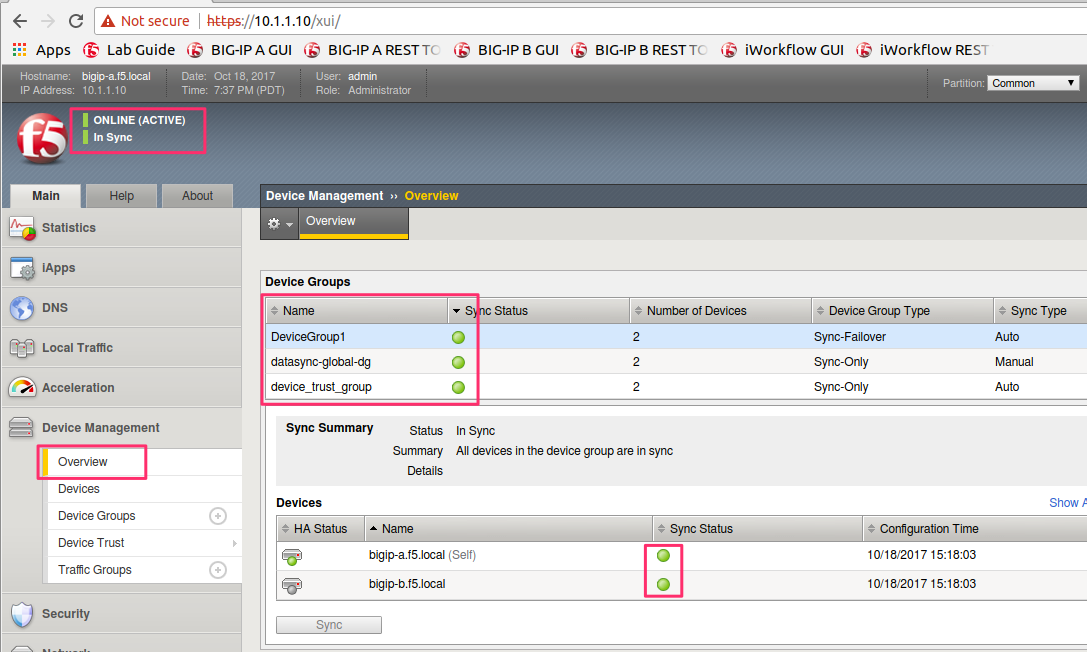
At this point you can log into BIG-IP A using Chrome at
https://10.1.1.10. Verify that the cluster was built by navigating to using the menu in the BIG-IP TMUI GUI. Verify that the cluster and failover status indicators are all green.