F5 Programmability Training > Automation Mini Classes > Mini Class 1 - F5 Architectures with Ansible > Module 1 – Basic BIG-IP administration with Ansible Source | Edit on
Lab 4 - Create a Virtual Server
Task 1 - Create a virtual server and assign pool
You need to assign newly created nodes to a pool. Use the
bigip_virtual_server module.
Create a playbook
vs.yaml.Type
nano playbooks/vs.yamlType the following into the
playbooks/vs.yamlfile.
Ctrl-x to save file.
Run this playbook.
Type
ansible-playbook playbooks/vs.yamlIf successful, you should see similar results
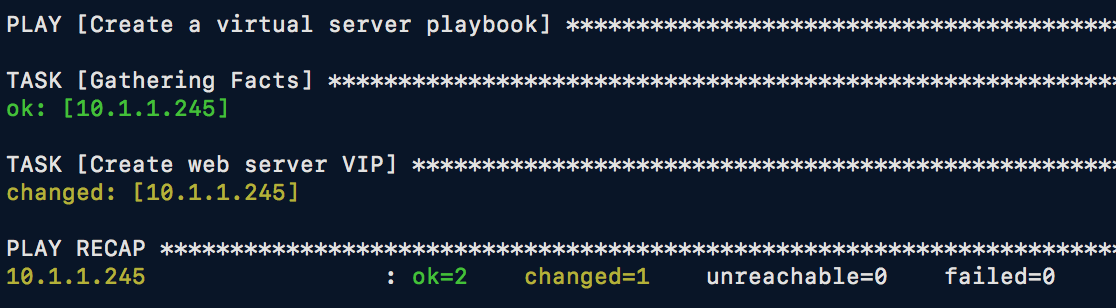
Verify BIG-IP results.
Select

Open browser to
http://10.1.10.10.
Note
The bigip_virtual_server module can configure a number of attributes for
virtual server. At a minimum, the name is required.
This module is idempotent. Therefore, you can run it over and over again and so-long as no settings have been changed, this module will report no changes.
The module has several more options, all of which can be seen at this link.