F5 Programmability Training > Automation Mini Classes > Mini Class 2 - Getting Started with F5 Terraform > Module – Installing GO package, Terraform and the BIG-IP Provider Source | Edit on
Terraform Installation
Please follow the instructions provided by the instructor to start your lab and access your jump host.
This class covers the following topics:
- Downloading Terraform software package from https://www.terraform.io/downloads.html
- Installing terraform & testing
Expected time to complete: 15 mins
Follow these steps to complete this task:
- Open your web browser firefox on the jumpbox
- Navigate to https://www.terraform.io/downloads.html
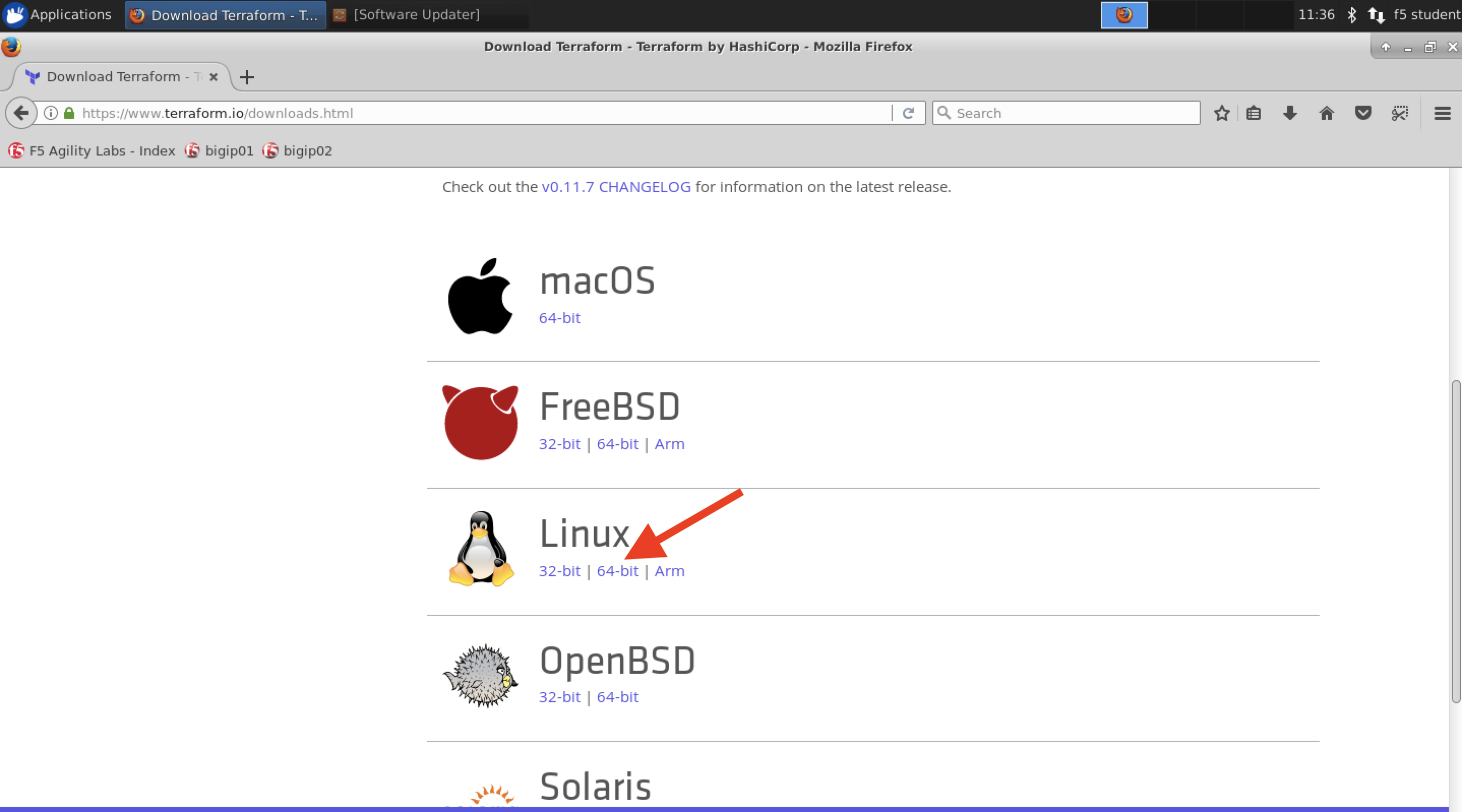
Click on the Linux 64 bit it will start
terraform_0.11.7_linux_amd64.zipfile download.Open terminal on the Client/Jumpbox VM
Execute the following command on Jumpbox terminal:
cd Download

sudo unzip terraform_0.11.7_linux_amd64.zip
Important
Enter f5DEMOs4u if prompted for f5student’s password
Move the Terraform binary into /usr/local/bin by executing:
sudo mv terraform /usr/local/bin
Test Terraform pacakage by executing:
terraform -version
Important
You should see the following
Terraform v0.11.7
Note
All work for this lab will be performed exclusively from the jumphost. No installation or interaction with your local system is required.